Products & content
Keep products, prices and images organised. Make changes where everything comes together.
DIGITAL SIGNAGE. SIMPLY MANAGED.
Your content, offers and screens. Managed in one place – for a presence that feels like you, everywhere.
Discover SegnatoAt the counter. In the window. At your next location.
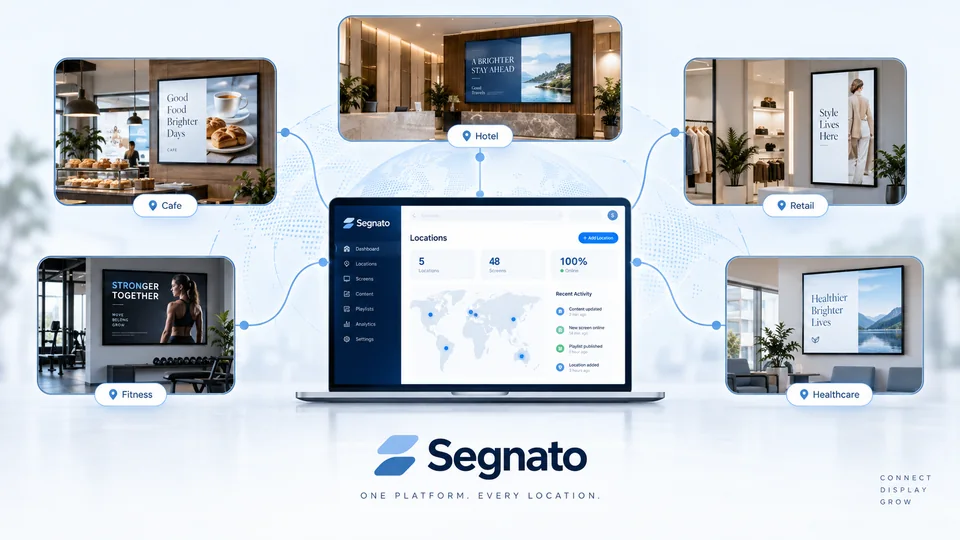
One place for your content. Many places to make an impression.
Segnato is taking shape. Here is a first look.
Keep content, products and prices together in one place.
Choose the right content for each of your screens.
Create a consistent look across screens and locations.
LESS EFFORT. MORE PRESENCE.
From your first piece of content to publication. Clearly organised, so you can focus on your business.
Keep products, prices and images organised. Make changes where everything comes together.
Bring logos, colours and templates together. Make every screen feel like your brand.
Organise individual displays or multiple locations, with content that suits each place.
See it before you publish. Keep track of saved versions and restore an earlier one when needed.
Plan offers by day and time. Scheduling is planned for a future stage of development.
Coming laterPlanned: Keep the last fully downloaded display visible when the connection drops.
Coming laterYOUR PLACE. YOUR POSSIBILITIES.
At the counter, on the gym floor or in the shop window: Good content belongs where people see it.
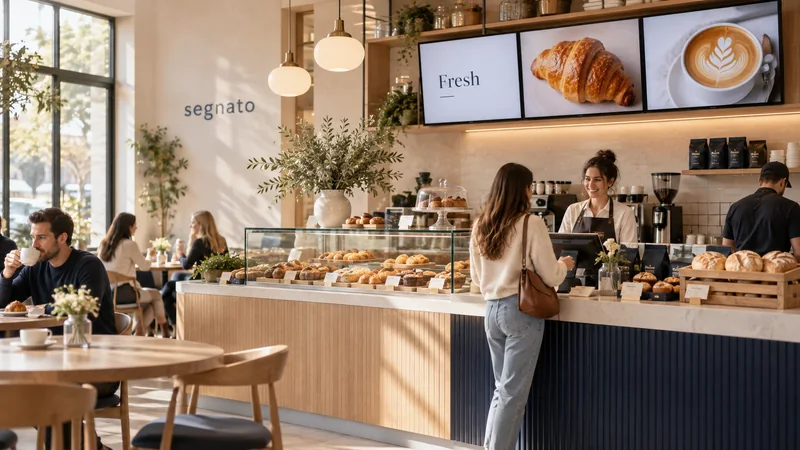
Menus, daily specials and a great first impression.
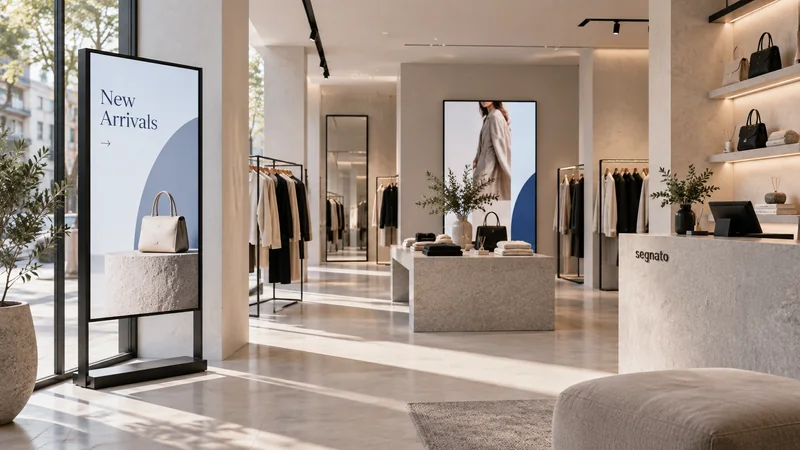
New collections and offers that catch the eye.
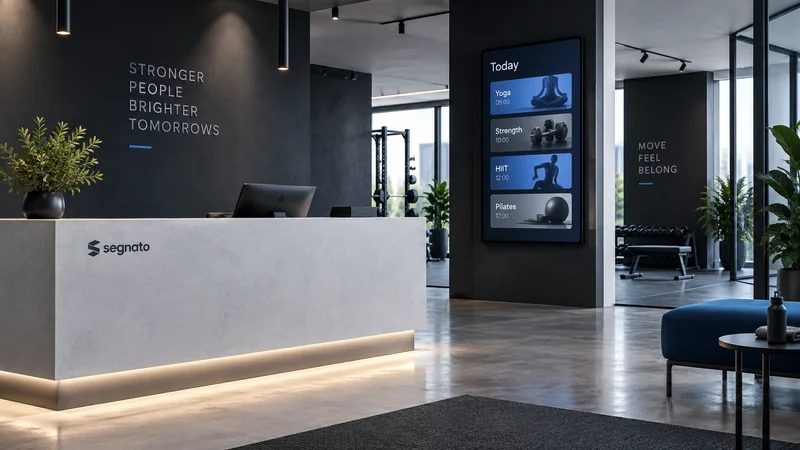
Class schedules, inspiration and news for your members.
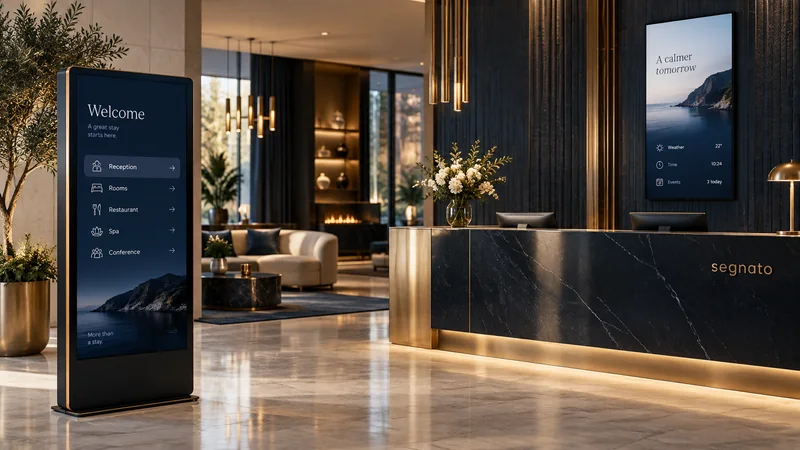
Welcome your guests and help them find their way.
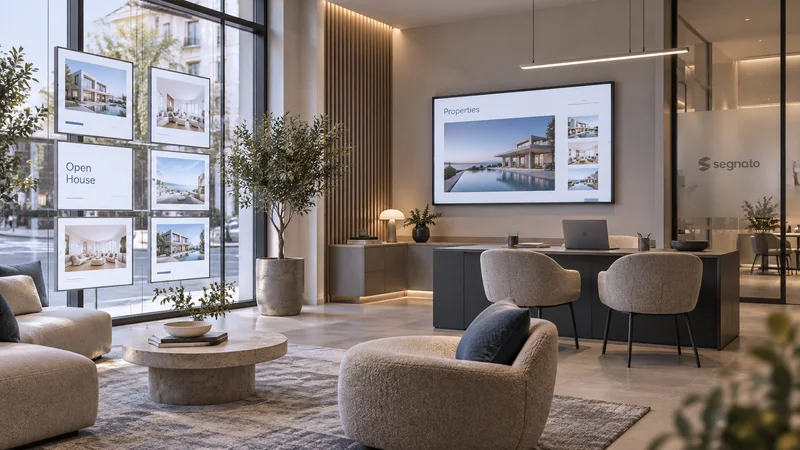
Show properties and possibilities in their best light.
And anywhere content deserves to be seen.
Illustrative use cases. Not actual customer locations or software screenshots.FROM YOUR IDEA TO THE SCREEN.
Bring products, offers and images together. All central. All organised.
Choose a design and content, then assign them to the right display.
Preview your content and publish it. Direct delivery to connected devices will follow with the player.
YOUR PRESENCE STAYS YOURS.
Segnato provides the framework. You decide how your screens look: with your logo, your colours and designs that feel right for you.
Space for
your ideas.
Different content. One recognisable identity.
READY FOR YOUR NEXT IMPRESSION?
Want to explore Segnato for your business? Get in touch. We would love to hear about your use case.
Segnato is a browser-based digital signage platform. Manage content, products, designs and screens centrally. The platform is in development; this page offers a first look.
Segnato starts with a strong focus on hospitality, but is also designed for retailers, fitness studios, hotels, real estate offices and other local businesses.
Yes. The management tools are designed for multiple screens and locations, with content assigned to the right place. Connecting physical devices is the next development step.
You can combine your own logos, colours and designs with templates, keeping your brand recognisable across different screens.
The planned setup uses a browser-based player on compatible player hardware, connected to a display via HDMI. Supported devices will be published before launch. Compatibility with every smart TV browser is not assumed.
The planned offline mode will keep the last fully downloaded display visible. Offline playback is still being developed and will be tested on suitable devices before release.